
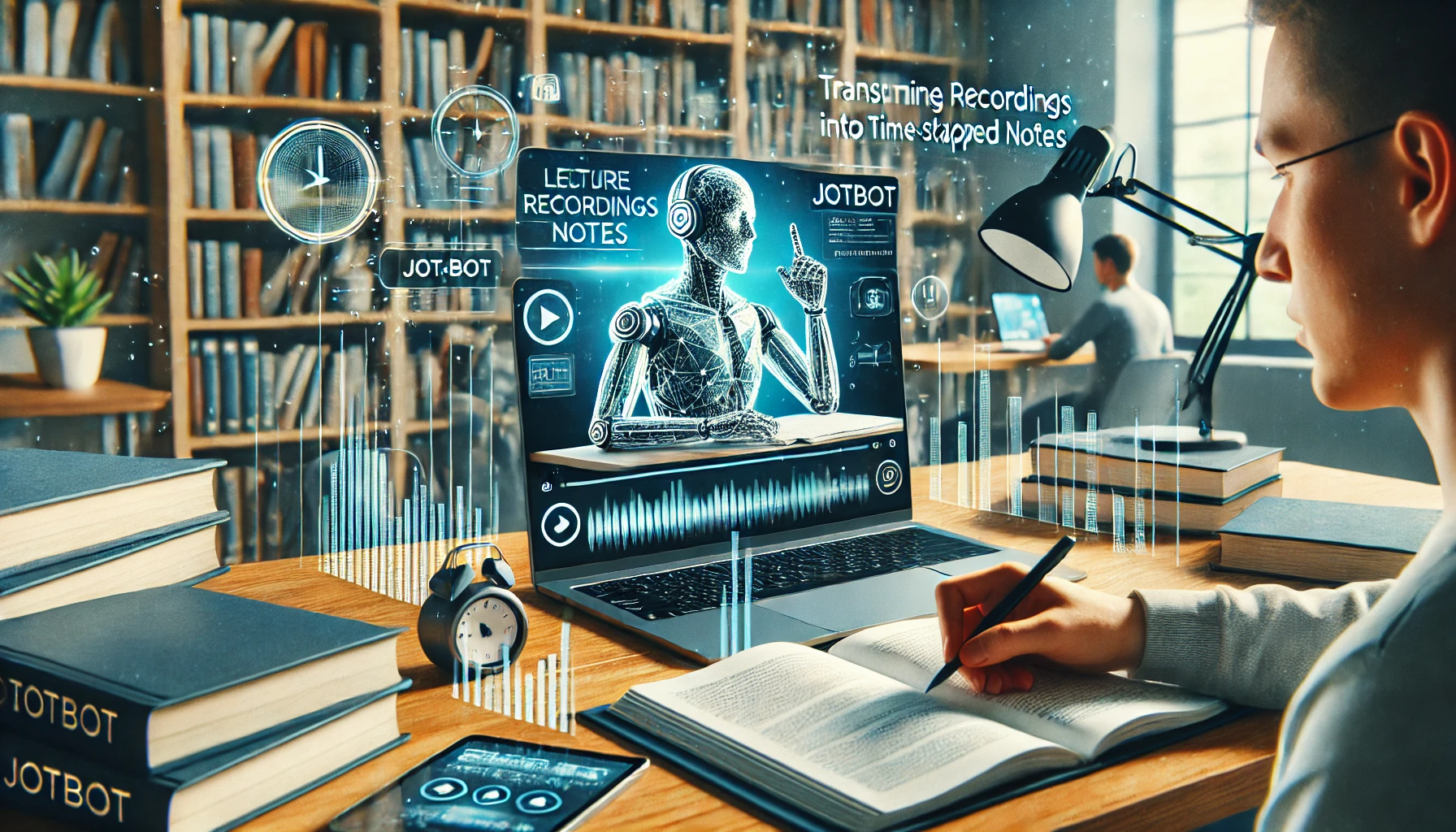
In the age of digital learning and online courses, students and professionals alike face the challenge of effectively absorbing and organizing vast amounts of video content. Jotbot provides a transformative solution with its "Video to Notes" feature, turning lecture recordings into detailed, time-stamped notes. This innovative tool not only enhances learning but also streamlines the process of content creation from video sources. Here's a closer look at how Jotbot can revolutionize your study and content generation practices.
Seamless Video Processing
Jotbot uses advanced AI to process video content, recognizing and transcribing spoken words with high accuracy. This process includes:
Speech Recognition: Jotbot's AI detects speech in videos, converting it into text without the need for manual transcription.
Time-Stamping: Each piece of text is time-stamped, corresponding to its exact moment in the video. This feature is invaluable for reviewing specific sections without having to watch the entire video again.
Detailed Note Creation
The core of Jotbot’s "Video to Notes" feature is its ability to create comprehensive notes that are easy to read and study. These notes include:
Key Points and Summaries: Jotbot identifies the key points discussed in the lecture, providing summaries that can be used for quick reviews or as study guides.
Organization and Customization: Users can customize how the notes are organized, making it easier to follow complex topics and study efficiently.
Enhanced Study and Revision
With Jotbot’s notes, studying becomes more streamlined and effective:
Efficient Review Sessions: The time-stamped notes allow students to quickly jump to relevant parts of the video, making review sessions more focused and productive.
Integration with Study Tools: Jotbot’s notes can be easily integrated with other digital study tools and platforms, enhancing the overall learning experience.
Content Generation from Video
Beyond studying, Jotbot’s "Video to Notes" feature is also an excellent tool for content creators:
Blog Posts and Articles: Convert insights and information from educational videos into text-based content, such as blog posts or articles.
Enhanced Accessibility: Create written content from videos, making information more accessible to people who prefer reading over watching videos or those with hearing impairments.
Conclusion
Jotbot’s "Video to Notes" feature is a game-changer for anyone looking to extract maximum value from video content, whether for academic purposes or content creation. By transforming lecture recordings into detailed, time-stamped notes, Jotbot not only facilitates a more efficient learning and revision process but also opens up new avenues for creating text-based content from video materials.
Maximize your learning and content creation with Jotbot’s Video to Notes feature. Start now!
Comments
Join the discussionNo comments yet. Be the first to comment.


